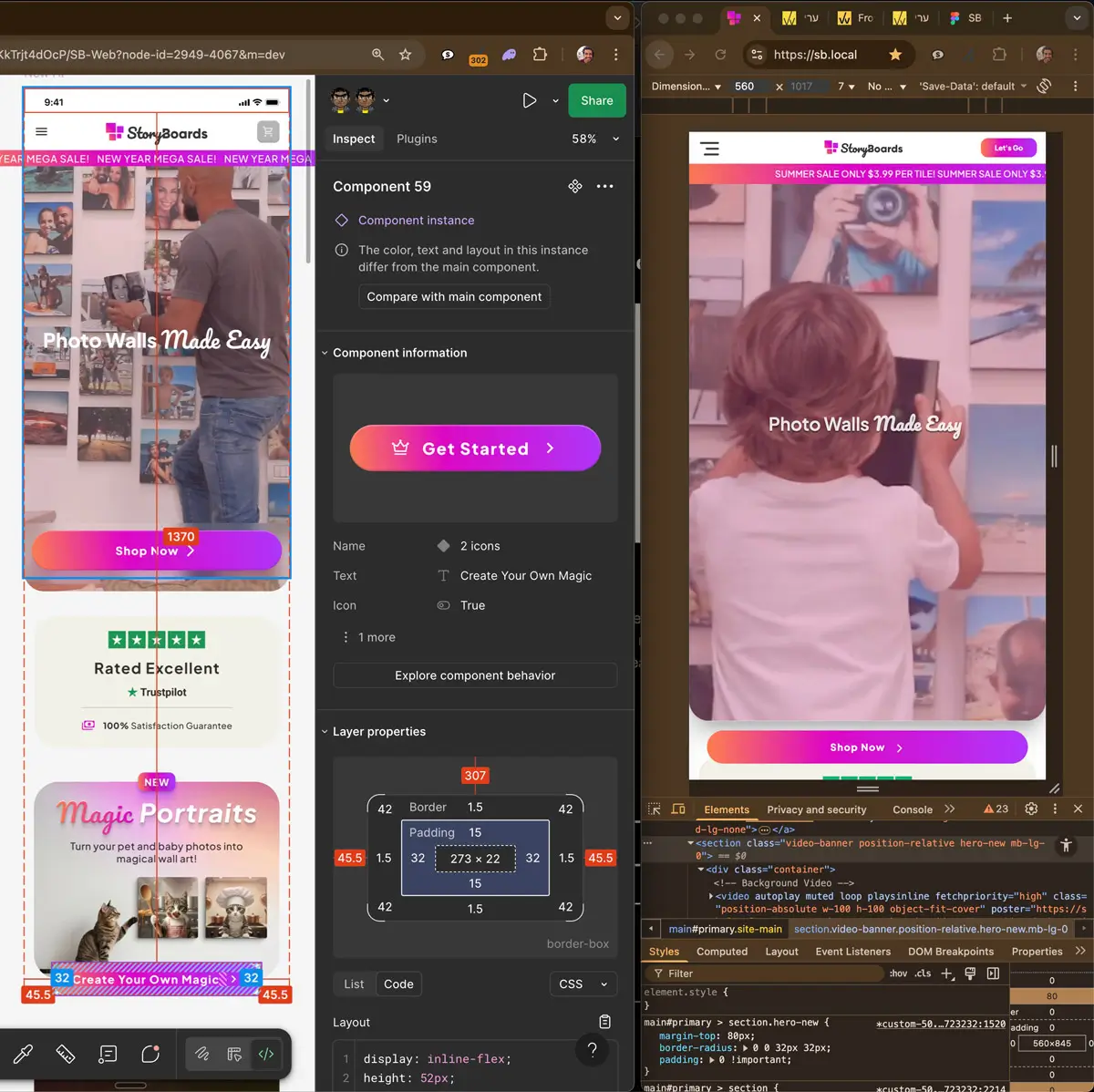
An approved Figma file is not yet a finished WordPress theme. Between the two are practical decisions: which design elements become reusable components, which parts your team can edit, and what happens on screen sizes the design does not show.
This is the process I use to turn a Figma design into a WordPress website, step by step. If you prefer to hand over the file, my Figma to WordPress service covers the whole process.
Working from an AI-generated prototype instead? See how I turn a v0, Lovable, or Bolt build into WordPress.
Each project starts with your existing design system. The finished theme is built around it, so the site stays accurate to the design, fast to use, and practical to maintain.
“Bringing a design to life is more than coding. It means preserving the decisions behind the design and making them work on the web.”
From a Figma design to a responsive WordPress website: precise, fast, and built with Tailwind CSS.
The Process – Figma Design to WordPress Theme
From the design handoff to launch, the goal is simple: keep the design intent while building a WordPress site that is fast, easy to use, and easy to maintain. Here is how the process works:
1. Figma Handoff & Planning
I review your Figma files closely: layout grids, typography, spacing, and responsive breakpoints. Then we agree on what needs to be built and how it should work. If you want to prepare the file before we talk, read what makes a Figma file easy to build from. Most issues are quick to fix.
2. Frontend Development with Tailwind CSS
I turn your Figma design system into clean, responsive code with Tailwind CSS.
With Tailwind CSS, I turn the design system into code. The spacing, colours, and fonts from Figma become a consistent set of styles that works across screen sizes and is easier to maintain.
When the design calls for it, I can add small, lightweight animations that make interactions clearer without slowing the site down.
Every line of HTML and CSS is written for the project. I do not rely on external tools or Figma plugins to generate the finished site, which keeps the code clean and lightweight.
AI-Assisted Acceleration
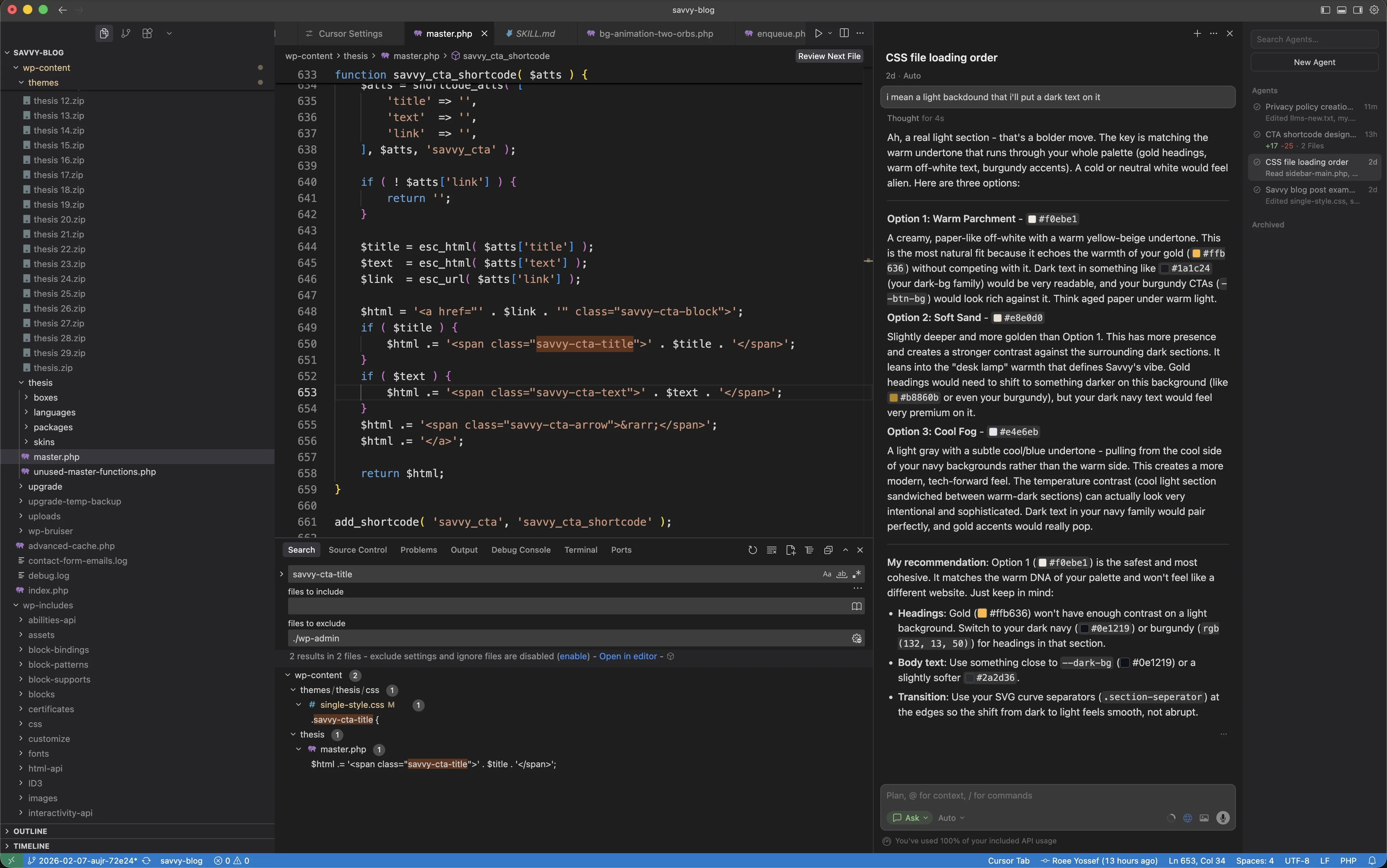
Used strategically, AI lets me deliver faster and at lower cost without sacrificing quality.
AI supports parts of my workflow, such as planning HTML structure, checking Tailwind CSS classes, and comparing the build against the Figma design. I documented that process from reading design specs through the Figma MCP to checking computed styles at each breakpoint in my Figma MCP production workflow post.
I use AI as a development aid, not a replacement for engineering decisions. That helps speed up routine work while keeping the same focus on quality, performance, and accuracy. If you already have an AI-generated site from tools like Bolt or Lovable, I also offer a vibe code to WordPress rebuild service.
3. Theme Architecture
Every project starts with a lightweight custom theme, built from scratch for performance and long-term maintenance.
I avoid heavy page builders such as Elementor or Divi when a custom theme is the better fit. The result is a clean, modular WordPress site that is fast and easier to update.
4. WordPress Integration
I connect the frontend to WordPress with custom post types, taxonomies, and ACF fields. In plain terms, this gives your team clear editing fields while keeping the site consistent with the design.
The setup gives editors flexibility without making the design inconsistent or the site slow.
5. SEO & Ranking
If you already have a website, I keep existing URLs where possible and add redirects when they are needed. This protects the SEO value your current pages have built up.
I handle the technical SEO work during the migration, from metadata and canonical tags to performance and Core Web Vitals. You can read more about technical SEO here.
I also check internal links, schema markup, and the sitemap so search engines can crawl and index the new site properly.
The aim is to make a redesign or rebuild a safe transition for your existing search visibility and a solid base for future growth.
6. Security & Reliability
Security is part of the build from the beginning. I harden WordPress by disabling unused features and adding the protections the site needs.
Additional server-level protections help reduce the risk of attacks. Backups and regular updates help keep the website safe and stable after launch.
7. Testing & Launch
Before launch, I test Core Web Vitals, run performance tests, check responsive layouts, and test the site in different browsers. This catches problems before visitors see them.
I manage the go-live process, including servers, caching, and deployment.
From DNS and SSL to caching and CDNs, each step is prepared to keep downtime low and launch a fast, stable website.
Collaboration & Communication
Launch is usually not the final step. Websites often need new content, design refinements, and marketing updates over time.
I stay involved to make those updates efficiently and keep the site aligned with your business goals.
I work closely with design and marketing teams, with clear communication and quick feedback throughout the project and after launch.
We can work in Slack, Asana, Monday, WhatsApp, email, or the tools your team already uses. You get regular updates, quick feedback, and clear next steps.
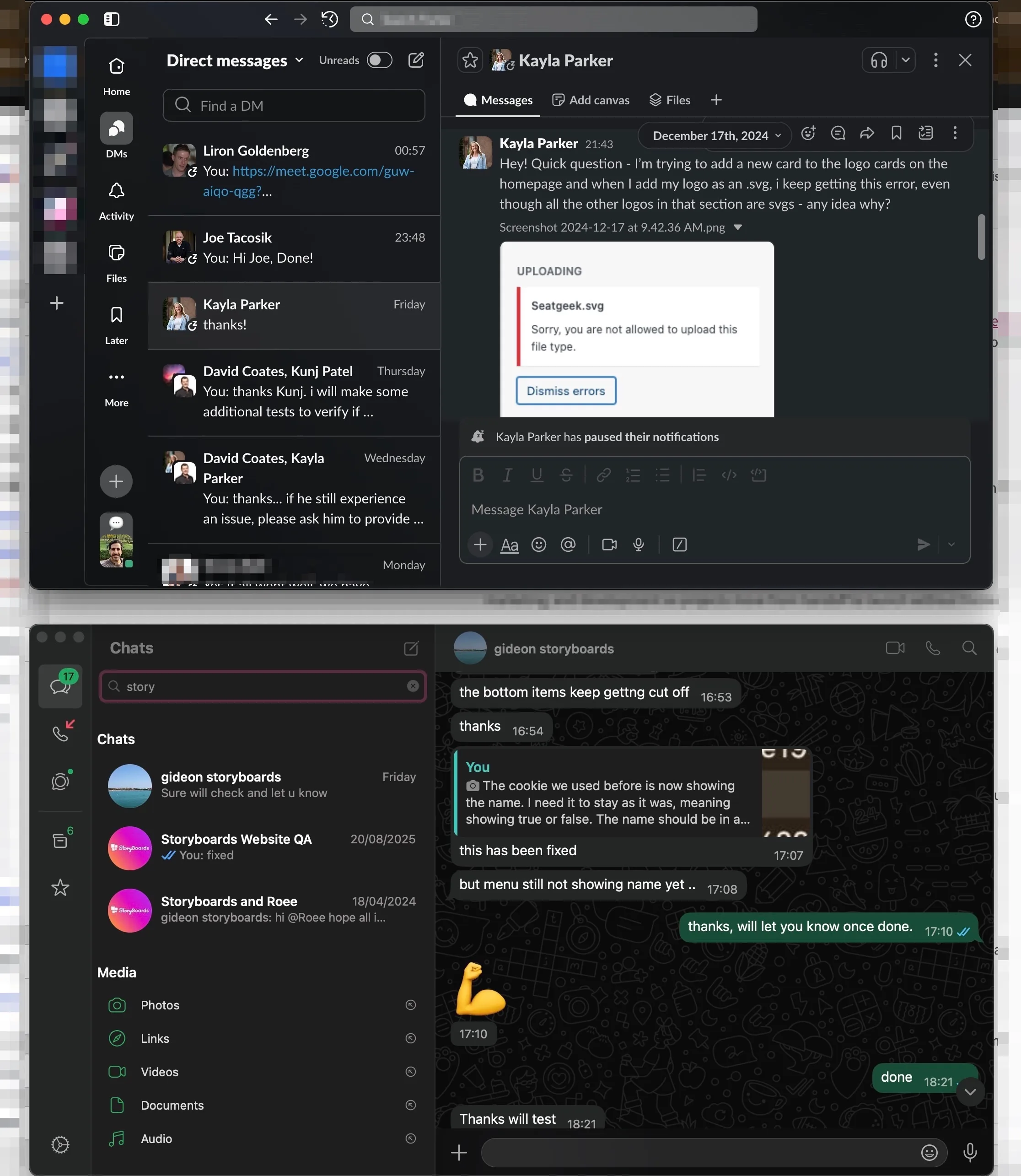
Clear communication between design, marketing, and development keeps projects aligned and progressing smoothly
The Final Result
The result is a fast WordPress theme that reflects your Figma design and is built with Tailwind and a clean architecture. For a worked example, the GN Law rebuild took a Figma file to a production theme and moved 301 articles into it.
- A close match between the Figma design and the browser
- Built for speed and Core Web Vitals
- Clear content editing through custom ACF fields or Gutenberg blocks
- Technical SEO, analytics, and security considered from the start
- AI used carefully to speed up routine work
- A clear handover and ongoing support when you need it
Prefer to hand the file over? The Figma to WordPress service page explains the scope, what affects the quote, and how the handoff starts. Send me the file, and I will review it personally and provide a clear project plan, timeline, and quote.