
Making WordPress faster is an ongoing process. One small step with minimal impact is removing DNS prefetching for the following addresses (if you want to remove them):
<link rel='dns-prefetch' href='//s.w.org'/>
<link rel='dns-prefetch' href='//fonts.googleapis.com'/>
In the page source it looks like this:
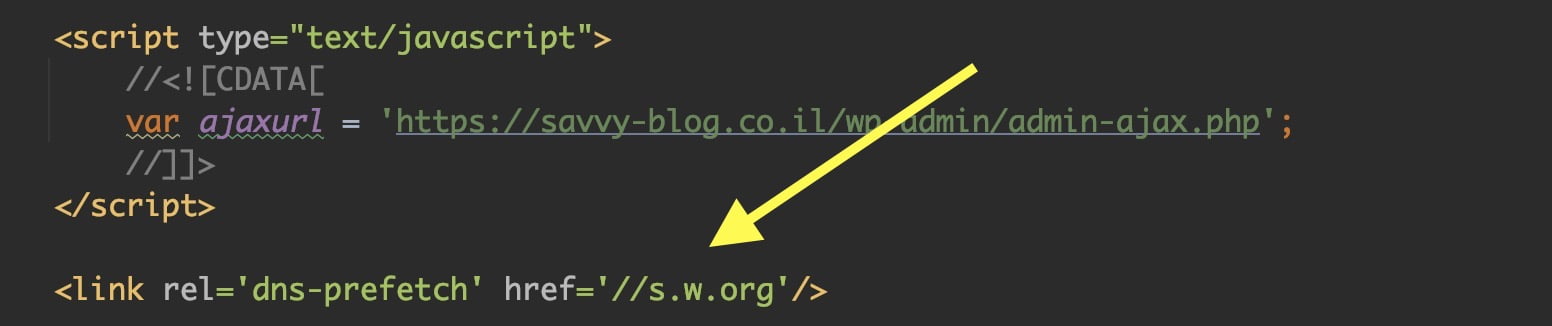
To remove these, add the following code to your theme’s functions.php file:
function remove_dns_prefetch () {
    remove_action( 'wp_head', 'wp_resource_hints', 2, 99 );
}
add_action( 'init', 'remove_dns_prefetch' );
If you are not familiar, here is a post explaining what DNS is.