
There are several situations where you may get an HTTP Error when trying to upload images to the WordPress media library:
- Problematic file name (special characters, etc.).
- File size exceeds what the server allows (upload_max_size).
- Insufficient PHP memory on the server.
- Insufficient storage space on the server.
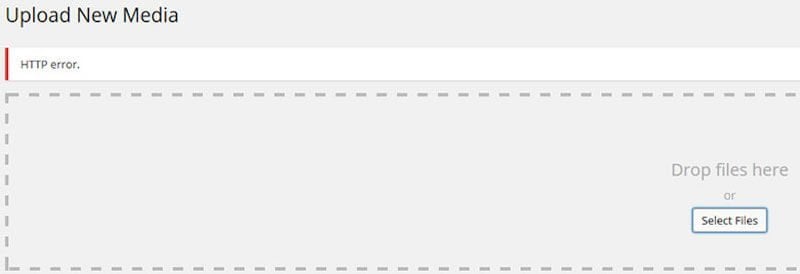
HTTP error in WordPress media library.
Start by checking the file name and try reducing the file size. To increase memory, add the following code to the wp-config.php file in your site root:
define( 'WP_MEMORY_LIMIT', '256M' );You can also do this via the .htaccess file, but if your hosting provider blocks this you may get a 500 Internal Server Error, so be careful and do not use this method if that is the case (simply remove the line).
php_value memory_limit 256MIf you have access to the php.ini file, you can do it with:
memory_limit = 256MIn some cases ModSecurity on the server can prevent you from uploading files. You can disable it via cPanel or try the following lines in .htaccess (disable if you get an error). Note that ModSecurity exists for good reason – securing your WordPress site:
<IfModule mod_security.c>SecFilterEngine Off
SecFilterScanPOST Off
</IfModule>
Here is a broader post on solving WordPress image upload issues.