
Use the following code to change the number of products WooCommerce displays per page. For this to work, make sure the “Products per page” option is selected in Customizer.
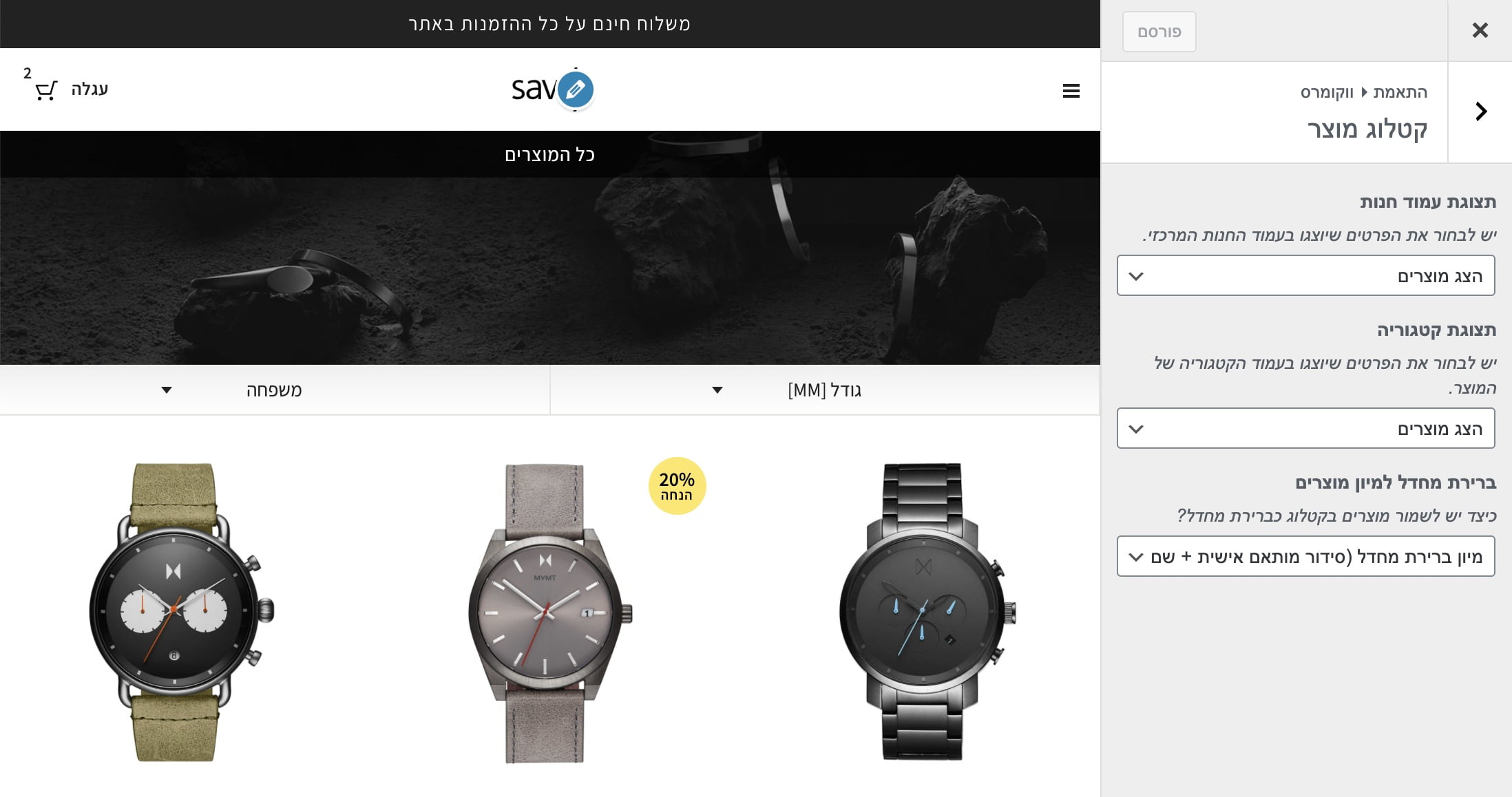
Add this code to your theme’s functions.php file:
/**
 * Change number of products that are displayed per page (shop page)
 */
add_filter( 'loop_shop_per_page', 'new_loop_shop_per_page', 20 );

function new_loop_shop_per_page( $cols ) {
  // $cols contains the current number of products per page based on the value stored on Options –> Reading
  // Return the number of products you wanna show per page.
  $cols = 9;
  return $cols;
}
For more WooCommerce customization, see Mastering WooCommerce Hooks.