
Want to know how to display the featured image next to each post and page when viewing the posts or pages list in the WordPress admin?
You can use a plugin for this, but it is unnecessary. Simply add the following code to your theme’s functions.php file.
function posts_columns($defaults){
    $defaults['sv_post_thumbs'] = __('Image');
    return $defaults;
}

function posts_custom_columns($column_name, $id){
    if($column_name === 'sv_post_thumbs'){
        the_post_thumbnail( 'thumbnail' );
    }
}

add_filter('manage_posts_columns', 'posts_columns', 5);
add_action('manage_posts_custom_column', 'posts_custom_columns', 5, 2);
The result will look something like this:
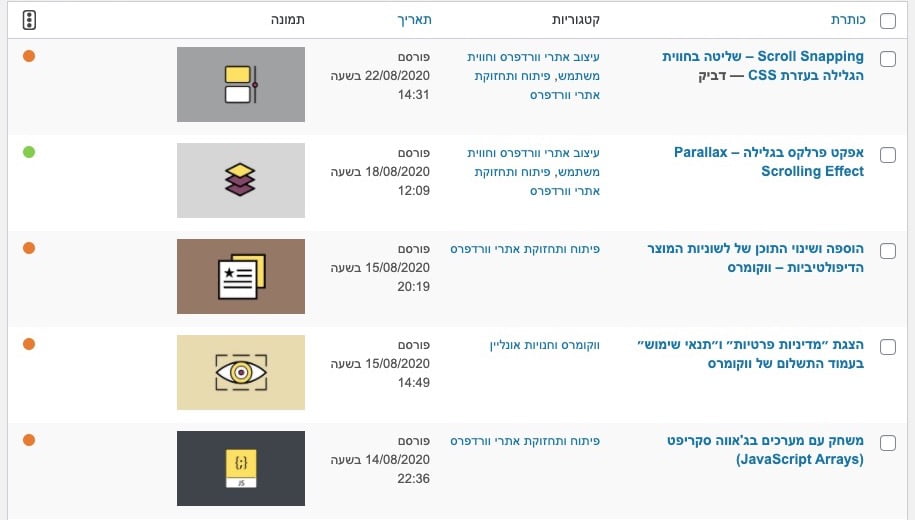
This uses WordPress hooks to add admin columns. Learn more in WordPress Hooks Explained.